Crypto trading apps are designed to make market access easier from a mobile device. A user can open an app, check prices, review a chart, compare trading pairs, place an order, receive alerts and monitor a portfolio without using a desktop computer. This convenience is powerful, but it also requires careful design and careful behavior. A trading app should help users understand market information, not pressure them into fast decisions. It should organize tools clearly, show risk-related details and make order confirmation easy to review before any action is completed.
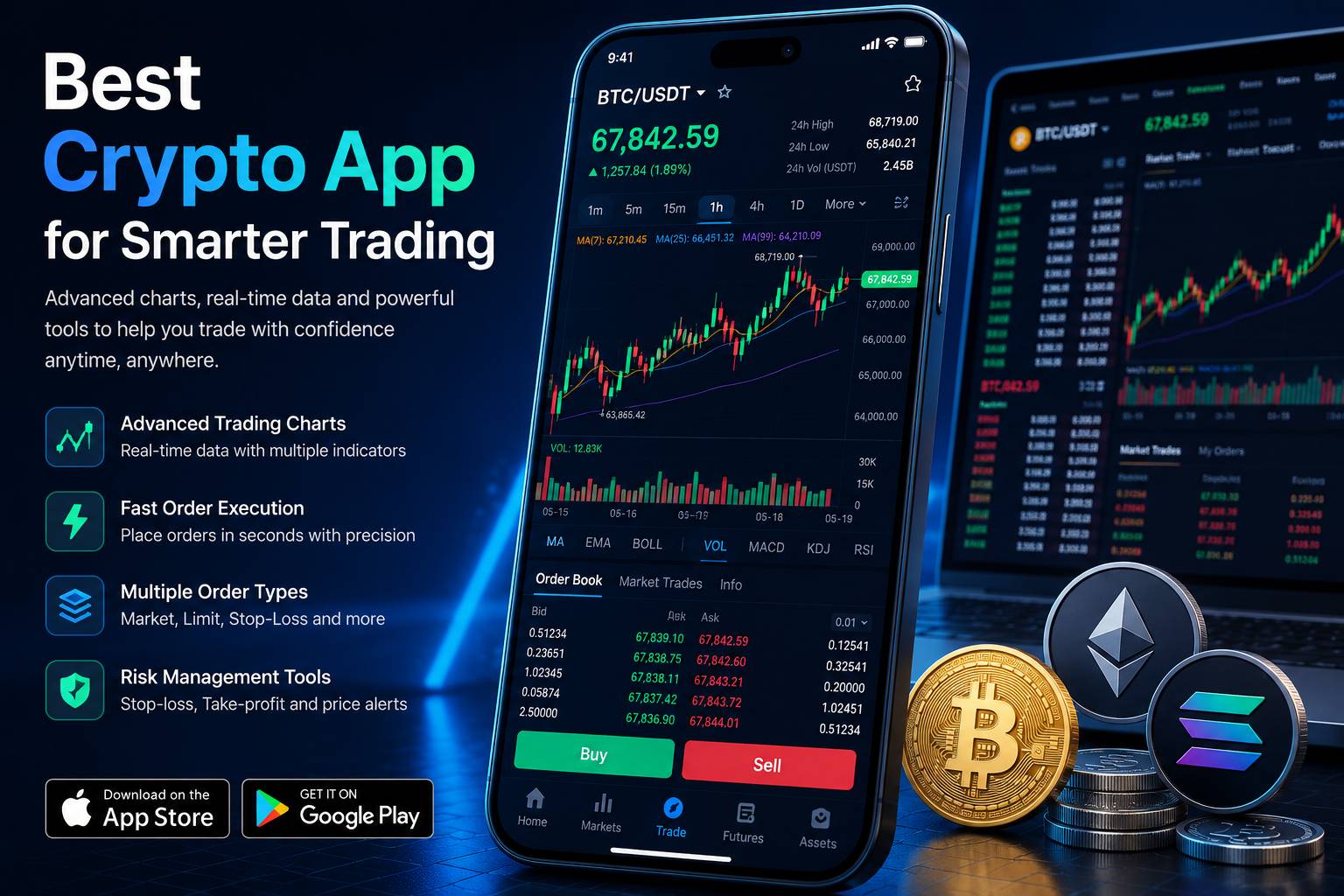
Trading apps often look exciting because they contain live prices, charts, percentage changes, watchlists, market movers and buy or sell buttons. These elements can make the experience feel professional, but they can also overwhelm users. A beginner may see candles, indicators, order books, volume bars, bid and ask prices, open orders, recent trades and account balances all on one screen. If the app does not explain what these elements mean, the user may act without understanding the information. A strong trading app turns complexity into structure.
The Role of Market Data
Market data is one of the main reasons people use trading apps. Users want to see current prices, daily changes, historical movement, volume and asset performance. A good app should present market data in a way that is readable and useful. Price numbers should be clear. Percentage changes should show the time period they refer to. Charts should be easy to expand, review and compare. Watchlists should help users track assets without forcing them into a trading screen immediately.
Market data should support decision-making, but it should not be treated as a guarantee. A rising chart does not mean the price will continue rising. A falling price does not automatically mean an opportunity. A high-volume asset may still be volatile. A popular coin may still carry risk. A trading app should help users observe and compare, but the user must still think carefully. The app experience should make it easy to pause, not only easy to tap.
Charts and Indicators
Charts are a central part of many trading apps. A chart may show candlesticks, line movement, time intervals, volume and technical indicators. Experienced users may use charts to study market behavior, but beginners may find them confusing. A well-designed trading app should allow users to switch between simple and advanced views. A simple view may show price movement over common time periods such as one day, one week, one month or one year. An advanced view may include indicators, drawing tools, multiple timeframes and deeper market information.
The key is control. Users should not be forced into an advanced chart if they only want basic price context. At the same time, experienced users should be able to access deeper tools without cluttering the basic screen. Good chart design uses clear labels, readable numbers and sensible spacing. It should not hide important price scales or make the user guess which asset or pair is being displayed. If a chart supports indicators, the app should make it easy to enable, disable and understand them.
Order Screens and Confirmation
The order screen is one of the most important parts of a crypto trading app. It is where market information becomes user action. A strong order screen should show the asset pair, order type, price, amount, estimated value, fees and confirmation details. If the order is a market order, users should understand that execution may occur at the available market price. If the order is a limit order, users should understand that it may not fill immediately. If stop tools or advanced order types are available, the app should explain how they work.
Confirmation screens should never feel like a formality. They are the final opportunity for a user to review what will happen. The app should repeat the most important details clearly and avoid hiding costs or conditions. A good confirmation screen is not aggressive. It gives users a moment to check the order before submission. In fast-moving markets, this pause can be valuable. Speed matters, but clarity matters more.
Watchlists and Alerts
Watchlists help users organize the assets they care about. Instead of searching for the same coins repeatedly, users can create a personal list of assets to monitor. A good watchlist should show price, percentage movement and perhaps simple trend information. It should be easy to add or remove assets. It should also be separate from order placement. Watching an asset should not feel the same as preparing to trade it.
Alerts are also useful when designed well. Users may want to know when a price reaches a certain level, when a large movement occurs or when account activity happens. However, alerts can become distracting if they are too frequent or unclear. A trading app should allow users to control alert types and frequency. Market alerts should feel different from security alerts. A price notification should not hide a login warning or withdrawal alert. Clear alert design supports both trading awareness and account safety.
Portfolio Tracking
Portfolio tracking helps users understand what they hold and how those assets are changing over time. A portfolio screen may show total balance, asset allocation, daily movement, profit and loss, transaction history and individual asset performance. This can be useful, but it must be presented carefully. A portfolio number can change quickly because crypto prices are volatile. Users should understand that a displayed value is a snapshot, not a fixed result.
A good portfolio page should be easy to read. It should separate wallet balances from trading balances if those categories exist. It should show which assets contribute most to total value. It should allow users to review historical activity and understand changes. If the app includes charts, they should help the user understand performance rather than create emotional pressure. Portfolio tools are most useful when they help users stay organized.
Fees, Spreads and Trading Costs
Trading costs are an important part of the app experience. Users should be able to see fees, spreads or estimated costs before confirming an order. If the app charges different fees based on order type, volume, asset pair or account level, the information should be accessible. If a conversion tool includes a spread, the app should avoid making the trade look free when the cost is built into the quoted price. Clear cost information helps users compare options and understand their own activity.
Fees may seem small on a single trade, but they can matter over time. A user who trades frequently should understand how costs accumulate. A user who transfers assets after trading should also consider network fees and withdrawal conditions. A strong trading app should not separate these topics too far. Trading, wallet movement and payment routes are connected in real use. Users benefit when the app makes that connection clear.
Beginner and Advanced Trading Modes
Some trading apps serve both beginners and experienced users. This can be difficult because the two groups need different levels of detail. Beginners usually need a simple interface, clear explanations and fewer distractions. Experienced users may need advanced charts, detailed order books, multiple order types and more control. A good app can serve both groups by separating modes or organizing features in layers.
Beginner screens should explain common terms and avoid overwhelming layouts. Advanced screens should provide depth without forcing complexity onto everyone. The user should be able to understand which mode they are using. If an app offers risky or complex tools, those tools should be clearly labeled and separated from simple buying or selling. A trading app becomes more trustworthy when it respects the difference between learning and advanced activity.
Risk Awareness in Trading Apps
Trading apps should help users remember that crypto markets are volatile. A clean interface can make trading feel easy, but market risk remains. Prices can change quickly. Liquidity can vary between assets. New tokens may behave unpredictably. News, sentiment, regulation, network events and broader market conditions can all affect prices. A mobile app can provide data, but it cannot remove uncertainty.
Responsible trading starts with understanding personal limits. Users should know how much they are comfortable risking, why they are entering a trade and what information they need before acting. They should avoid trading based only on excitement, fear or pressure. App notifications, social conversations and sudden market movement can create urgency, but urgency is not the same as understanding. A helpful trading app should support calm review rather than emotional reaction.
Security for Trading Accounts
Trading accounts require strong security because they may contain balances, open orders, payment methods and personal information. Users should enable strong authentication, review device access, use account alerts and protect withdrawal settings. If the app allows address whitelisting, withdrawal locks or anti-phishing codes, users should learn how these features work. Security settings should be checked before trading activity becomes serious.
Users should also be cautious of fake apps, fake support messages and phishing links. Trading apps are often targeted because users may act quickly under market pressure. A fake message that appears during a volatile moment may trick users into clicking a link or revealing information. A good security routine includes verifying app sources, avoiding unknown links, protecting email accounts and keeping the device updated. Trading safety is not only about market decisions. It is also about account protection.
What Makes a Trading App Useful
A useful trading app combines clear information, careful controls and reliable structure. It should help users see markets, organize watchlists, review charts, understand orders, track portfolios and protect accounts. It should make common actions easy without making important actions careless. It should provide advanced tools for users who need them while keeping basic screens understandable for users who are still learning.
The strongest trading experience is one where the user feels informed. They know which asset they are viewing, what order they are preparing, what costs may apply and what security settings protect the account. They can review history after an action and find support information if something is unclear. They can move between wallet, market and trading sections without confusion. This kind of app does not only look professional. It behaves professionally.
Trading apps can be valuable tools, but they should be used with patience. The app can provide charts, order forms, alerts and records, but the user must still bring judgment. A mobile trading screen should never replace learning. For a wider explanation of how trading tools fit with wallets, payments and app security, Best Crypto App offers a complete overview of the mobile crypto app experience.